
View your family account statement anytime on the Procare website or the Procare child care mobile app. On the website, you can also download or print your statement.
Family Account Statement
Go to schools.procareconnect.com and log in.
Click Payments.
Click Statement.
Enter the date range. You can enter up to 12 months.
Date Range Limit
Each statement can cover up to 12 months. For a longer period, create separate statements. For example, run one from January to December and another for the previous year.
Click View to open the statement as a PDF in your browser. From the PDF, you can download or print.
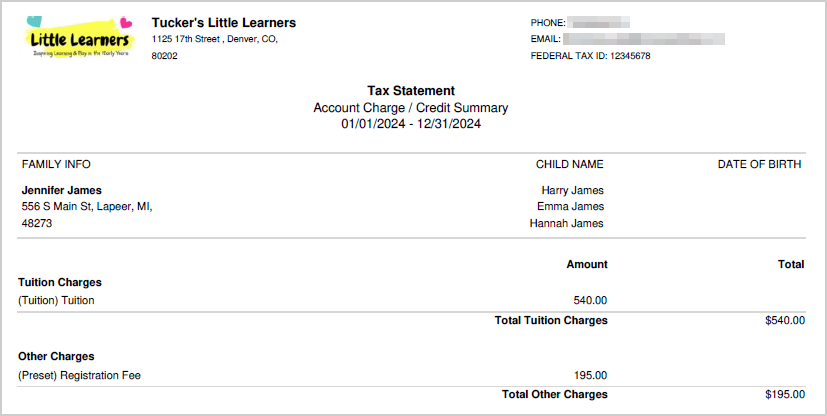
Here is an example of a family account statement.
Open the Procare child care mobile app.
Tap Menu
 .
Tap View Transactions.
Tap Statement.
Enter the date range. You can enter up to 12 months.
Date Range Limit
Each statement can cover up to 12 months. For a longer period, create separate statements. For example, run one for January to December and another for the year before.
Tap View to open the statement as a PDF.
Here is an example of a family account statement.