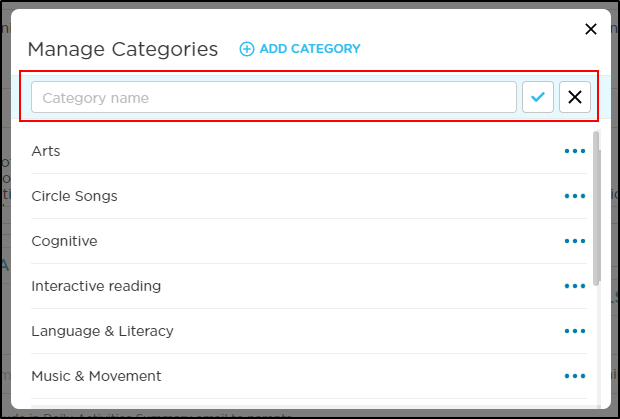
Categories can be managed while creating or editing a lesson.
-
From All Lessons, click Create Lesson or select a lesson from the list.
-
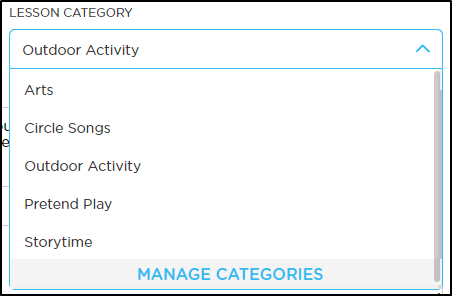
Click the Lesson Category drop-down.
-
Select Manage Categories at the bottom of the list. Please Note: Procare has provided the following sample categories:
-
On the Manage Categories popup:
-
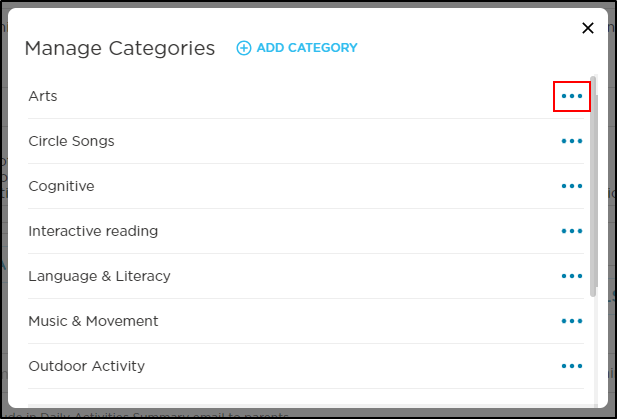
To edit or delete a category, click the ellipsis at the end of the row.
-
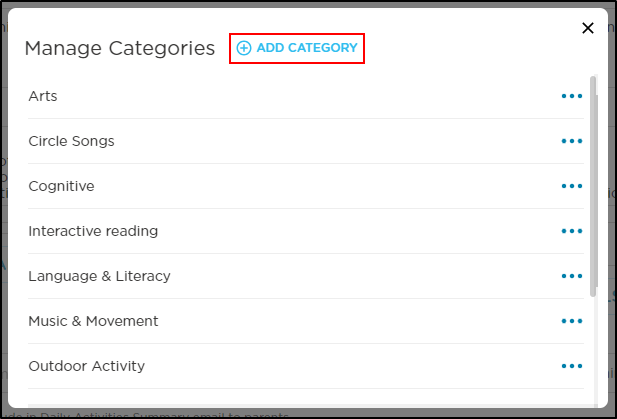
To create a new category, click Add Category.
-
-
Enter the name of the category in the Category Name field, then click the checkmark to save.