To add or update immunization detail on the Parent Portal, follow the steps below:
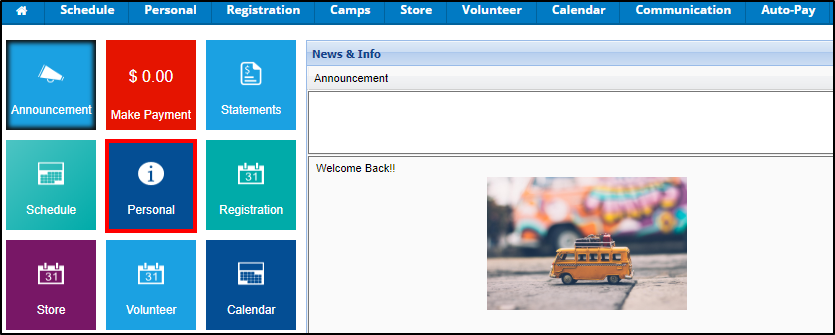
- From the portal home screen, Click Personal
- Click the Update Information link under the student's name

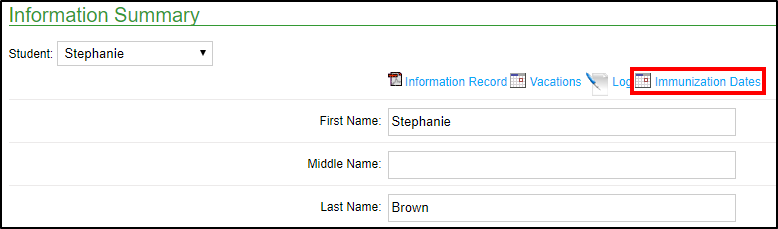
- Select the Immunization Dates link towards the top of the screen
- Enter the date of each immunization within the Child Immunization Details chart

- Once all necessary immunization dates are filled in, click Save just below the chart