Some centers require physical signatures to be compliant with licensing. This feature will allow you to collect signatures from parents/guardians when they sign-in/out their child(ren).
KinderSystem Texas Requirements
In September 2026, the state of Texas adopted new requirements for collecting and submitting child attendance records for subsidized child care. This setting must be enabled for Texas customers to collect the required attendance data.
Photo, signature, and geolocation requirements must be collected at sign-in/out.
These requirements apply to both staff and parent/guardian sign-on/out.
These requirements cannot be changed or disabled when transmitting attendance via the KinderSystems integration.
This setting is global and cannot be configured on a per-family or per-staff basis.
Enable Parent Signatures
Go to School Settings > Settings > Sign-In-Out.
To enable, toggle On
 Parent and Authorized Pickups Signatures on Mobile.
Go to Menu
 > My School > School Settings.
Tap Parent Signatures.
Collect Signatures
Parents/guardians are now prompted to enter their signature on their mobile cell phones when they sign-in/out their child(ren).
They must then tap Done.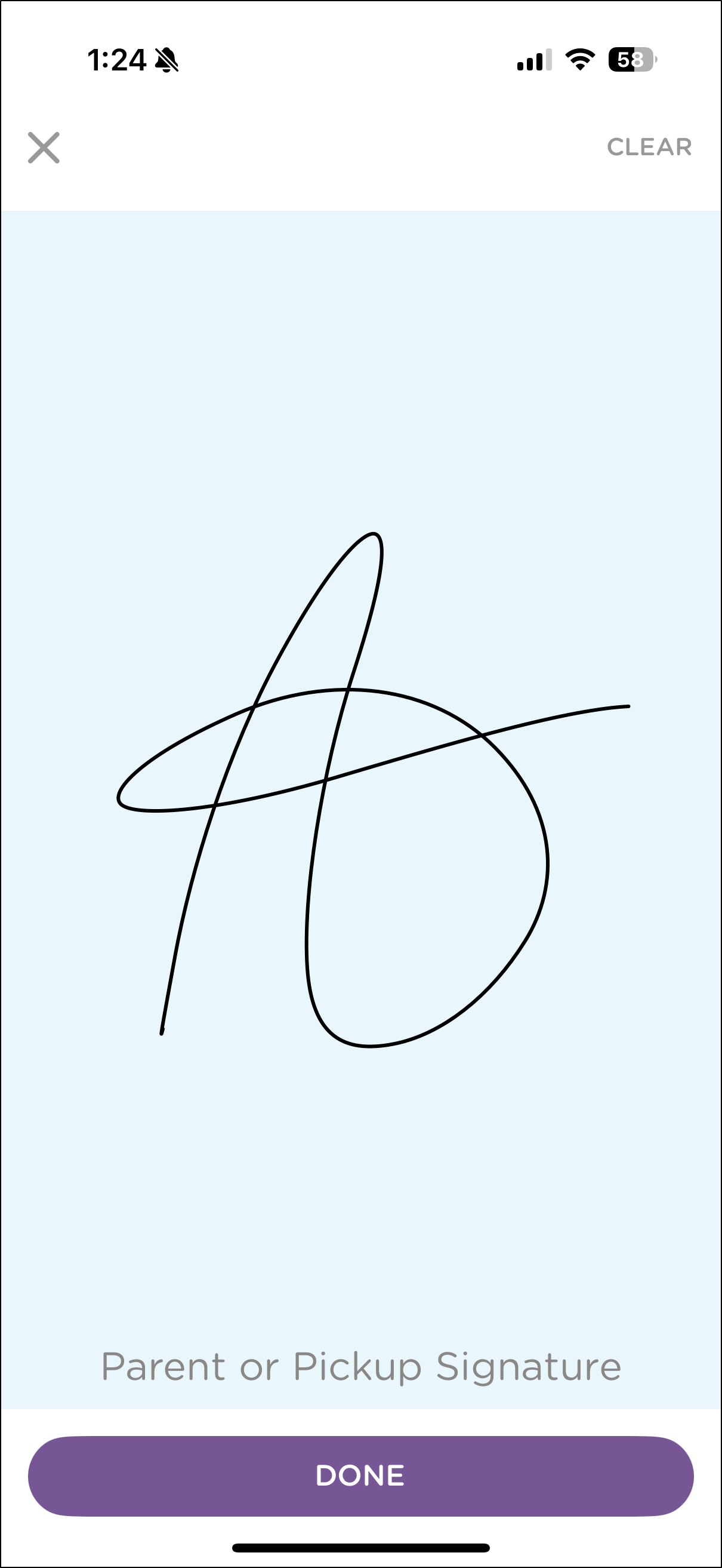
| Based on this article, here are some reports you may find helpful. |

Report Name | Helpful for… |
|---|---|
| |
Browser-based Log |
A browser-based attendance log is displayed with signatures. |
 .
.