Reports
Over the next few months, we are rolling out a feature that reduces long report wait times and improves system stability and performance by running large reports in the background. You can keep working on other tasks while reports run, and you will be notified once results are ready — or if there was a report issue. Completed reports are available for download for five days, after which they must be rerun. A new menu option, Generated Reports, will be available in the Reports menu.
From the Reports menu, select the Child option. The reports on this page are associated to the chid record- they incldue immunization, birthday, meal counts, age range reports.
Immunization Report- View all of the immunizations for each student. You can view all of them at once or view by immunization type.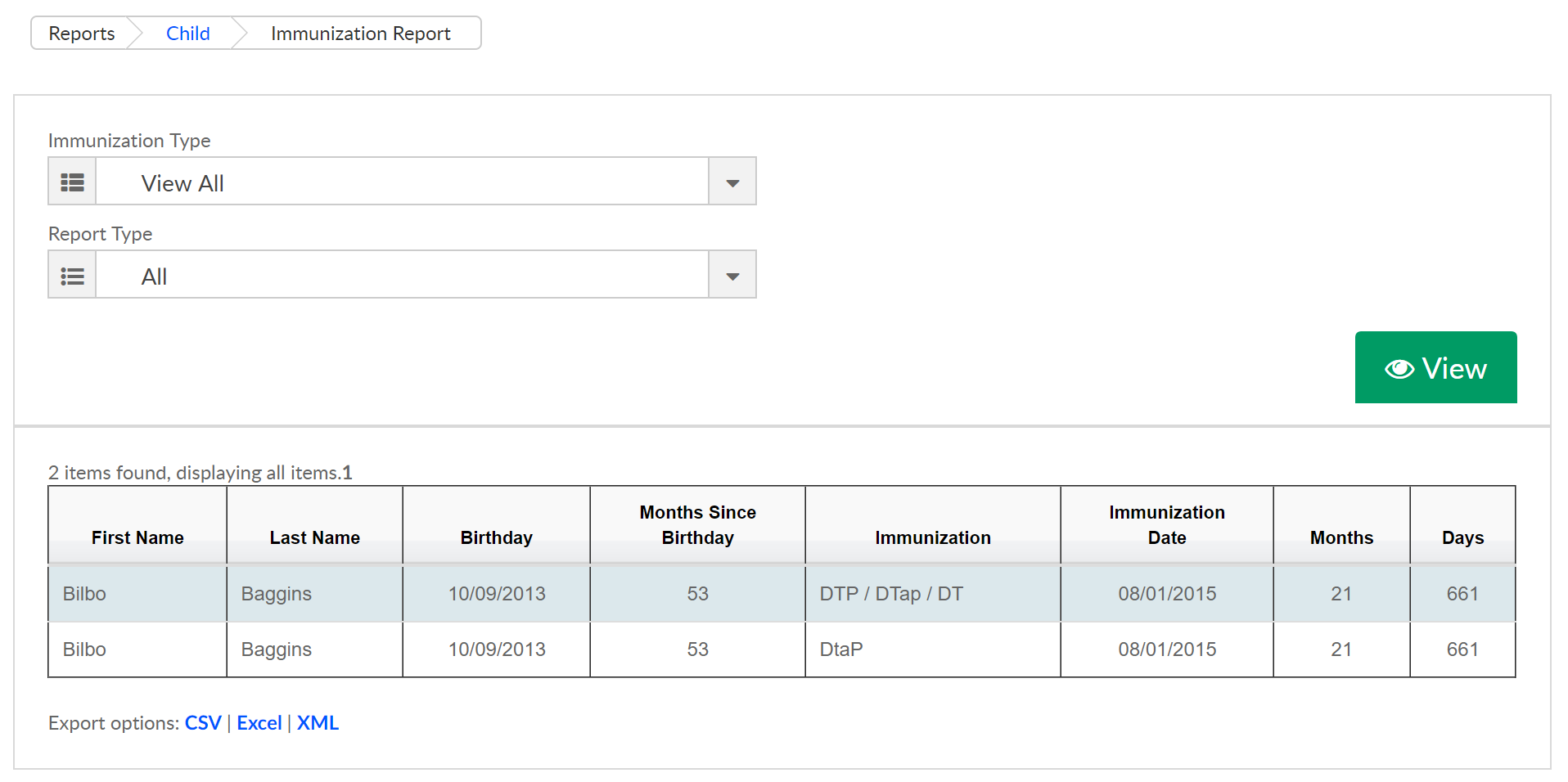
Adverse Action- View all of the students in adverse action and take action upon these students.
Birthday Rate Change- View and change rates for students based on birthdates.
Meal Counts- View the total number of meals for each meal rate. This will show you the total number of meals for each meal type along with the the total cost grouped by day.
Room Attendance- View the actual attendance by room/program.
Age Range- View the age range of students based on the valid value age range that was setup.
