PINs are randomly generated by our system and assigned to a parent upon creation of the account. However, you can generate a new PIN for parents by following the steps below.
In order to ensure that each parent has a unique identifying pin that will only pull up their own child during the Sign In-Out process, we cannot allow parents to choose their own pins at this time. If they would rather not use a pin, we offer the PIN-less mode in the Parent Kiosk of the Procare app. Read more about it here.
Navigate to My School > Students and select a student.
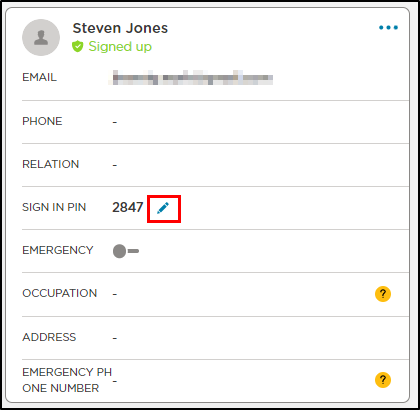
Locate the Parent/Guardians section.
Hover over the Sign In PIN field and click the pencil icon.
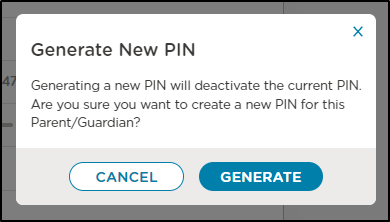
On the confirmation, click Generate.
When a new PIN has been assigned, a success message will display at the bottom of the screen.
