What’s Changing?
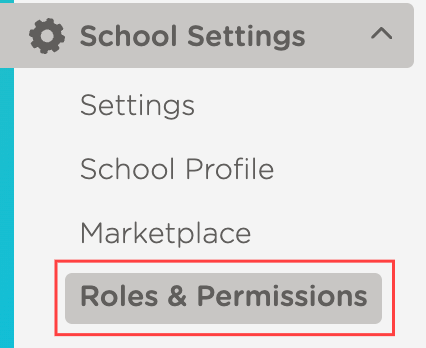
Permissions have a new home with our Roles & Permissions page, located under your school settings! Enjoy clearer responsibilities, more efficient staff management and enhanced security with custom roles tailored to your center’s unique needs. |
|
|---|
What You’ll See
Your existing roles will be moved to the Roles & Permissions section. There will be no interruption to your existing access.
Your current admin or non-admin status will stay the same. If roles have different permissions, you’ll see names like Admin 1 or Non-Admin 2 to show these differences. These names help you distinguish roles by their original permissions. Later, you can rename them in Roles & Permissions, such as changing a role to Office Support.
Benefits
Enjoy precise, tailored control over roles and permissions for every team member
Accelerate staff onboarding by easily assigning custom roles, getting your team up to speed quickly
Gain complete visibility and effortless management of user permissions across your organization
Boost operational efficiency with streamlined role management
Strengthen your security posture and ensure compliance with robust permission controls