When a parent/guardian uploads a document to their child’s profile, admins and assigned classroom teachers are immediately notified by email and in-app notifications. Use the settings in Staff Notifications to enable or disable these notifications at the school level for all staff.
Go to School Settings > Settings.
Scroll down to the Staff Notifications section.
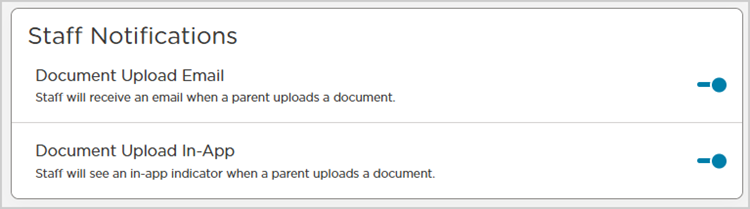
Toggle Document Upload Email
 for on or
  for off.
Email notifications are toggled on by default.
Once enabled, staff will receive an email when a parent/guardian uploads a document.
Toggle Document Upload In-App
for on or for off. In-app notifications are toggled on by default.
Once enabled, staff will see in-app indicators when a parent/guardian uploads a document.
Note
Both settings apply to all staff. Document upload notification settings cannot be configured for individual staff.