Use the settings in Communication to enable or disable AI features in Procare Online.
Go to School Settings > Settings.
Scroll down to the Communication section.
Enable AI Rewrite
Toggle AI Rewrite  for on or
  for off.
AI Rewrite is toggled off by default.

Once enabled, a visual indicator displays:
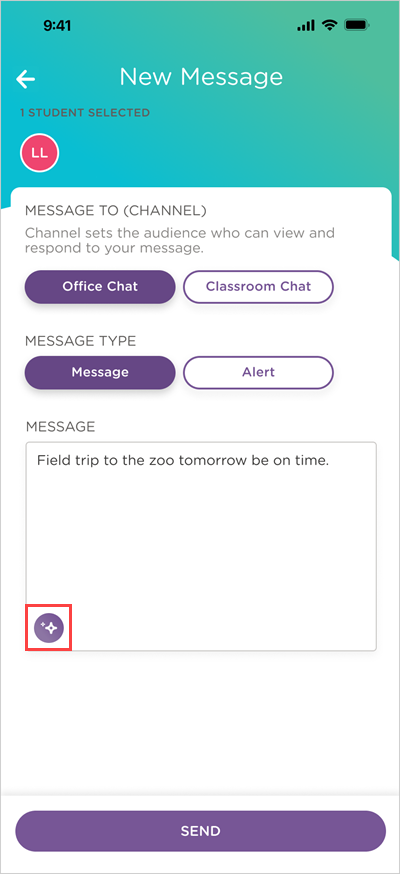
On the message field in Parent Messaging on the website and Messages in the Child care mobile app.
On the Description field in Daily Activity in the Child care mobile app.
A Procare AI  icon displays above message field.

An AI Rewrite  icon displays in the message and Description fields after you start typing.
Enable AI Translate
Toggle AI Translate for on or for off.
AI Translate is toggled off by default.

Once enabled:
Staff and parents/guardians must go to their profile and select a default language to translate messages into. English is selected by default.
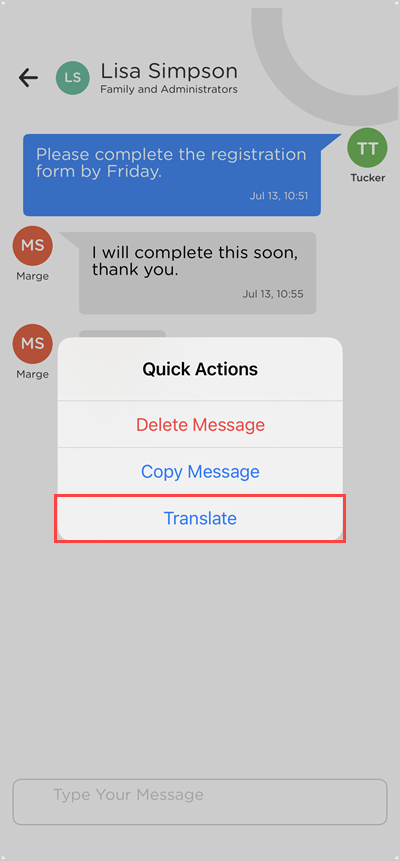
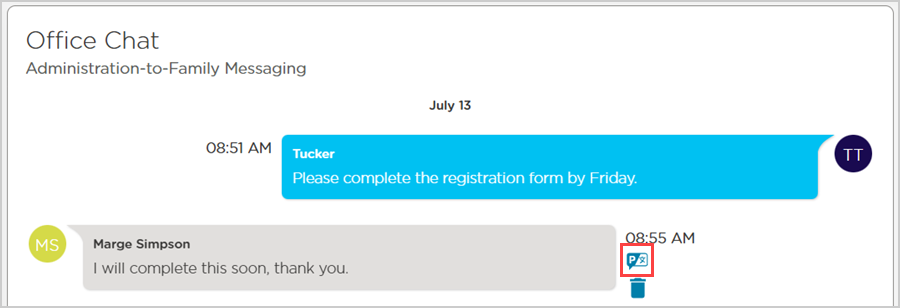
A Translate option displays for individual messages in Parent Messaging on the website and Messages in the Child care mobile app.
A Translate  icon displays next to any message you hover over.
Long-press a message to show the Quick Actions menu and the Translate option.